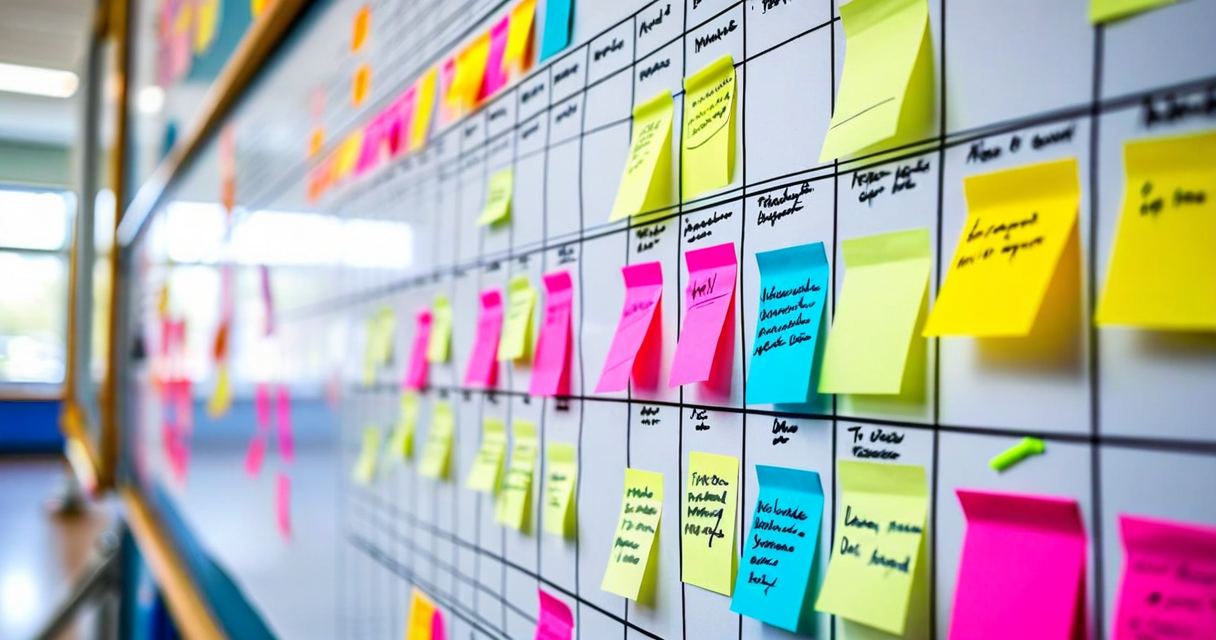
The person who builds the school timetable occupies a peculiar position in most secondary schools. They are usually a deputy head or a senior teacher who is described in planning documents as spending "part of their time" on timetabling. In practice, they spend six weeks every summer building a constraint satisfaction problem that affects every class, every teacher, and every room in the school — and they do it in Excel or, in worse cases, on a physical board with magnetic tiles.
The figure of 18,000 constraints for a 600-student school is not an estimate. It is derived from a constraint analysis we ran with the timetabling lead at a Kinderpedia customer school in Cluj — a 600-student secondary school with 45 teaching staff, 24 classrooms, and 4 specialist rooms. The constraints include: subject allocation requirements per year group, teacher availability, room capacity and specialist requirements, legal maximum teaching hours per teacher, student subject choices in upper secondary, and curriculum sequencing requirements that dictate which subjects should not be taught consecutively.
The school had been building its timetable manually in Excel for six years. The process took the deputy head 5.5 weeks of near-full-time work in July. She had developed a methodology that worked — barely — and lived in constant fear of what would happen if she could not do it one year.
Why timetabling is genuinely hard
Scheduling problems of this type are NP-hard in the computer science sense: the number of possible valid timetables grows exponentially with the number of constraints, and finding the optimal one requires techniques that go beyond simple exhaustive search. Human timetablers solve these problems through a combination of experience, heuristics, and — critically — knowing which constraints are hard (legally required, physically impossible to break) and which are soft (preferred but negotiable).
A hard constraint: two teachers cannot be in two places at once. A soft constraint: a teacher who runs the school choir prefers not to have lessons in the last period on a Friday, because that is when rehearsals happen. The difference matters because a timetable that breaks a hard constraint is impossible to use, while a timetable that breaks a soft constraint is functional but annoying — and whether annoying is acceptable depends on what the alternative is.
Experienced human timetablers are very good at managing soft constraints in ways that software sometimes is not. They know that the French teacher does not perform well in the first period because she has a long commute, and that putting science practical lessons before morning break leads to cleanup overruns. That contextual knowledge is real and valuable. The limitation of human timetablers is that they cannot hold 18,000 constraints in working memory simultaneously and check every proposed slot change against all of them. That is exactly what software can do.
The three phases of effective timetabling
Schools that build reliable timetables — whether manually or with software — follow a consistent three-phase approach. The phases are: data collection, constraint prioritization, and iterative building. Skipping any phase creates problems that compound through the rest of the process.
Data collection is the most underestimated phase. It requires gathering, in a consistent and verified format: every teacher's contracted hours and availability, the complete list of subjects and year groups each teacher is qualified to teach, every room's capacity and specialist equipment, the curriculum requirement for each subject per year group expressed as periods per week, and every student's subject choices in years where choices exist. If any of this data is incorrect when you start building, you will discover the errors in week three of the build when you have already created hundreds of slots that depend on the incorrect information.
The schools that have the worst timetabling experiences are usually not bad at the building phase. They are bad at the data collection phase. A teacher who is listed as available on Wednesday afternoons but has a long-standing arrangement with the head that she leaves at 1pm on Wednesdays to collect her children will create a cascade of adjustments when her availability conflict emerges mid-build.
What specialist rooms actually cost you
Specialist rooms — science labs, art studios, computer suites, music practice rooms, sports halls — are the tightest constraints in most secondary school timetables, and they are the ones that most often get miscounted at the data collection phase.
A school with one science lab and four science teachers who each need three science periods per week needs 12 science lab periods per week. A standard school week has 25 teaching periods. That means 12 of those 25 periods are pre-allocated to the science lab before any other specialist room is considered. Add the computer suite, the art room, and the sports hall, and you are often looking at 40 to 50% of the school's period capacity already committed to specialist room requirements before any general classroom allocation begins.
When timetablers run into trouble, it is usually because they did not account for the full specialist room load before starting the build. Kinderpedia's scheduling module requires you to enter all specialist room requirements before it begins suggesting slots, which forces the data collection phase to include this information. Schools that have implemented this module report that the discipline of entering all constraints before starting the build — even when it takes an extra day — saves multiple days of rework when specialist room conflicts emerge later.
Managing teacher workload distribution
Legal teaching hour maximums are hard constraints in Romanian and most EU education frameworks. But legal compliance and a workable teaching schedule are not the same thing. A teacher with 18 lessons per week (the typical Romanian secondary school maximum for a full-time teacher) can have those lessons distributed across the week in ways that range from completely sustainable to genuinely exhausting.
A distribution that gives a teacher 6 lessons on Monday and 2 on Friday is legally compliant but pedagogically poor. Research from educational psychology consistently shows that teacher effectiveness declines over consecutive teaching periods. A teacher who teaches lessons 1 through 6 on Monday with only a short break will be less effective in lessons 5 and 6 than a teacher whose day includes genuine planning or administrative time between teaching blocks.
Timetabling software that accounts for daily teaching load distribution, not just weekly totals, produces better outcomes for both teachers and students. This is a soft constraint — you cannot always achieve ideal distribution for every teacher in a large school — but having the software surface distribution imbalances automatically is significantly better than discovering them manually or not noticing them at all.
What happens when the timetable breaks during term
A timetable that took six weeks to build does not stay intact for the full academic year. Teachers get sick. Rooms are taken out of service for maintenance. A teacher leaves and a substitute needs to be integrated. A new student with unusual subject needs enrolls mid-year. Each of these events requires a change that potentially cascades through multiple other slots.
Schools that manage in-year timetable changes well have two things in common: they maintain the full constraint data digitally (so that any proposed change can be checked against all constraints immediately, not reconstructed from memory), and they have a clear protocol for which changes require full timetable review versus which can be handled as a local adjustment.
In Kinderpedia, a substitute teacher assignment is a local adjustment: the system checks whether the substitute is qualified for the subject, available at the time, and not already scheduled, then confirms or rejects the assignment automatically. Parents and students in the affected class receive notification in real time. No other slots are affected. This takes less than two minutes from the moment the need is identified to the moment parents are informed. Compared to the manual process — identifying a qualified substitute, checking their schedule manually, calling or messaging them, updating the physical or digital timetable, sending a message to parents — the difference in response time is an hour versus two minutes.
Communicating timetable changes to parents and students
One of the most consistently undervalued aspects of timetable management is the communication layer. A timetable change that is well-executed from a scheduling perspective but communicated poorly creates the same parent experience as a timetable change that was handled badly. Parents who find out about a room change from their child at the end of the day, rather than from the school before the day began, experience the school as disorganized regardless of how good the underlying scheduling decision was.
Kinderpedia's real-time notification system means that every timetable change triggers an immediate notification to affected parents and students through the app. The notification includes: which class is affected, what changed, and the effective date. Parents do not need to log in to check whether their child's day has changed — they receive the information proactively.
This is the part of timetable management that physical boards and spreadsheet-based systems cannot replicate. The schedule may be built in Excel. The communication of changes to 600 families cannot be managed through Excel without significant manual effort. The two systems need to be connected, and the connection point is the school's communication platform.
When to involve software and when to trust the experienced human
Timetabling software is not a replacement for the institutional knowledge of an experienced timetabler. It is a tool that handles the constraint checking and conflict detection that humans are slow at, while the human handles the judgment calls about which soft constraints to sacrifice and which to protect. The best outcomes come from the combination, not from either approach alone.
Schools that implement Kinderpedia's scheduling module and have an experienced deputy head running the process typically reduce timetable build time from six weeks to two and a half to three weeks. The experienced human is still doing the work. The software is eliminating the time spent manually checking for conflicts and the rework cycles caused by conflicts discovered late in the build. The human judgment about teacher preferences, curriculum sequencing, and the thousand contextual things that do not appear in the constraint database — that part stays human.